Html code will be here

How to get extra freemonths of subscription?

Tell us about your arena and your partnership with us — get 1 or 2 months of subscription as a gift.

01 Option

Basic

1 month free

Five simple steps. Unlock +1 month free.

  1. 1

    Take 2 horizontal photos: use the Owner (01) and Arena (03) examples below.

  2. 2

    Answer the questions in Google Forms.

  3. 3

    Leave a Google Maps review for Battle Start.

  4. 4

    Send Battle Start information about your arena.

  5. 5

    Get 1 month of subscription from Battle Start.
02 Option

Maximum

2 months free

Six simple steps. Unlock +2 months free.

  1. 1

    Take 4 horizontal photos: use all examples below.

  2. 2

    Record a short vertical video about your arena (you speaking, or people playing).

  3. 3

    Answer the questions in Google Forms.

  4. 4

    Leave a Google Maps review and a Facebook review for Battle Start.

  5. 5

    Send Battle Start information about your arena.

  6. 6

    Get 2 months of subscription from Battle Start.
Below you’ll find examples of the content we need.

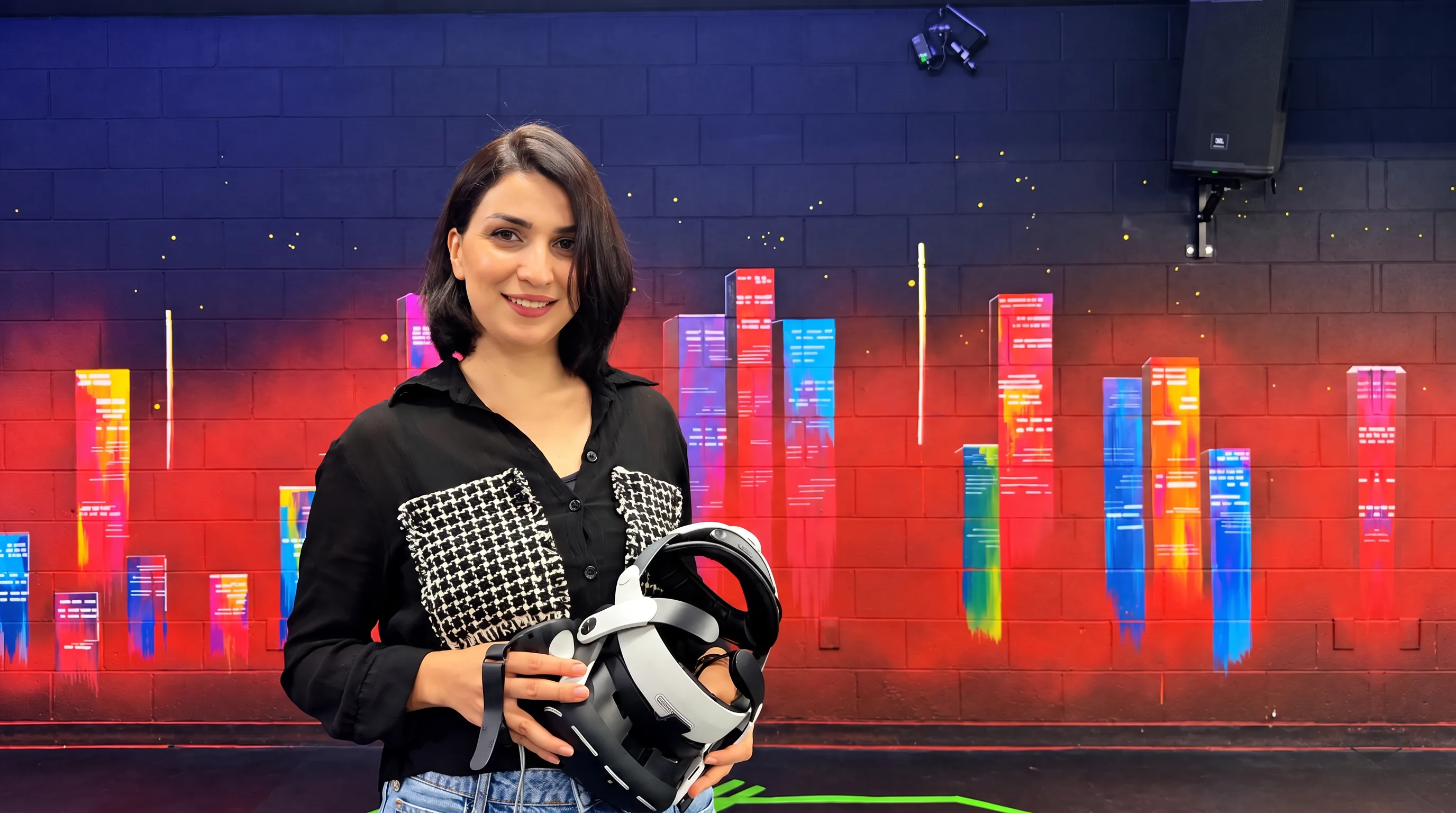
Owner in VR club

Shoot a photo of the arena owner.

01   PHOTO BRIEF
Owner standing in front of a branded arena wall, holding a VR headset

How to shoot

  1. 1

    One person only — the owner. Look at the camera and smile.

  2. 2

    Stand in front of the branded wall of your club.

  1. 3

    No logos from other brands.

  2. 4

    Shoot horizontal (landscape).

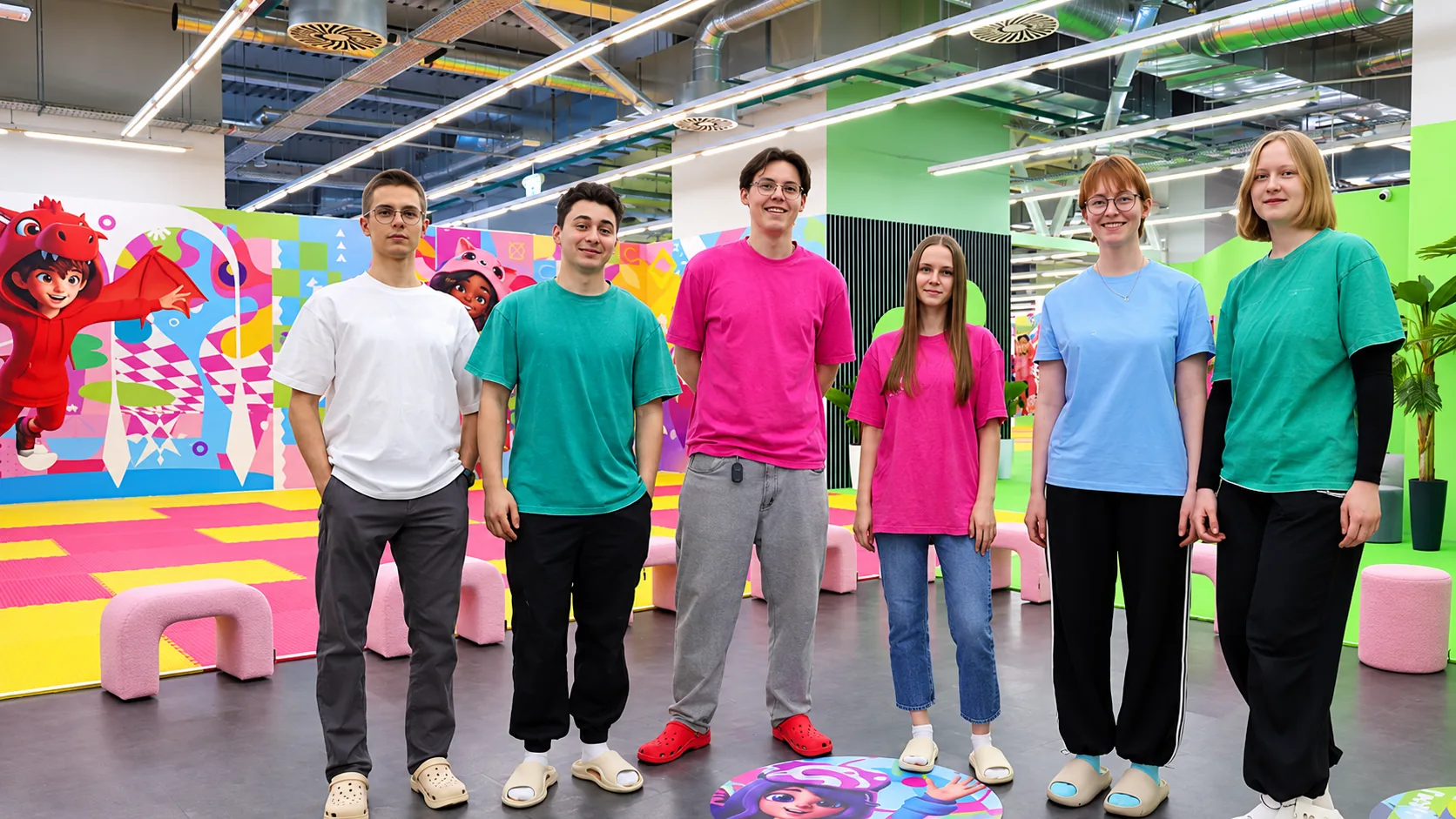
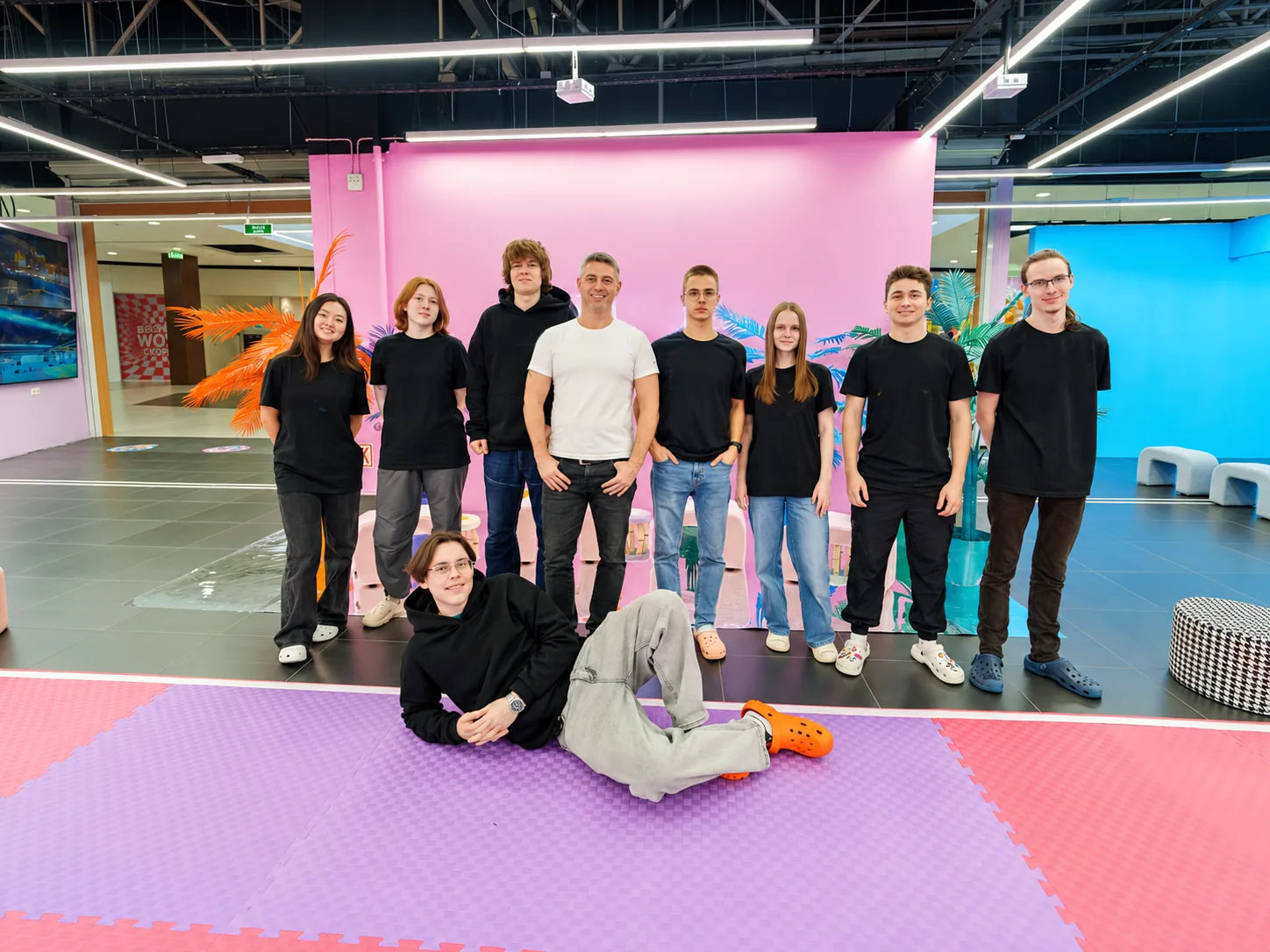
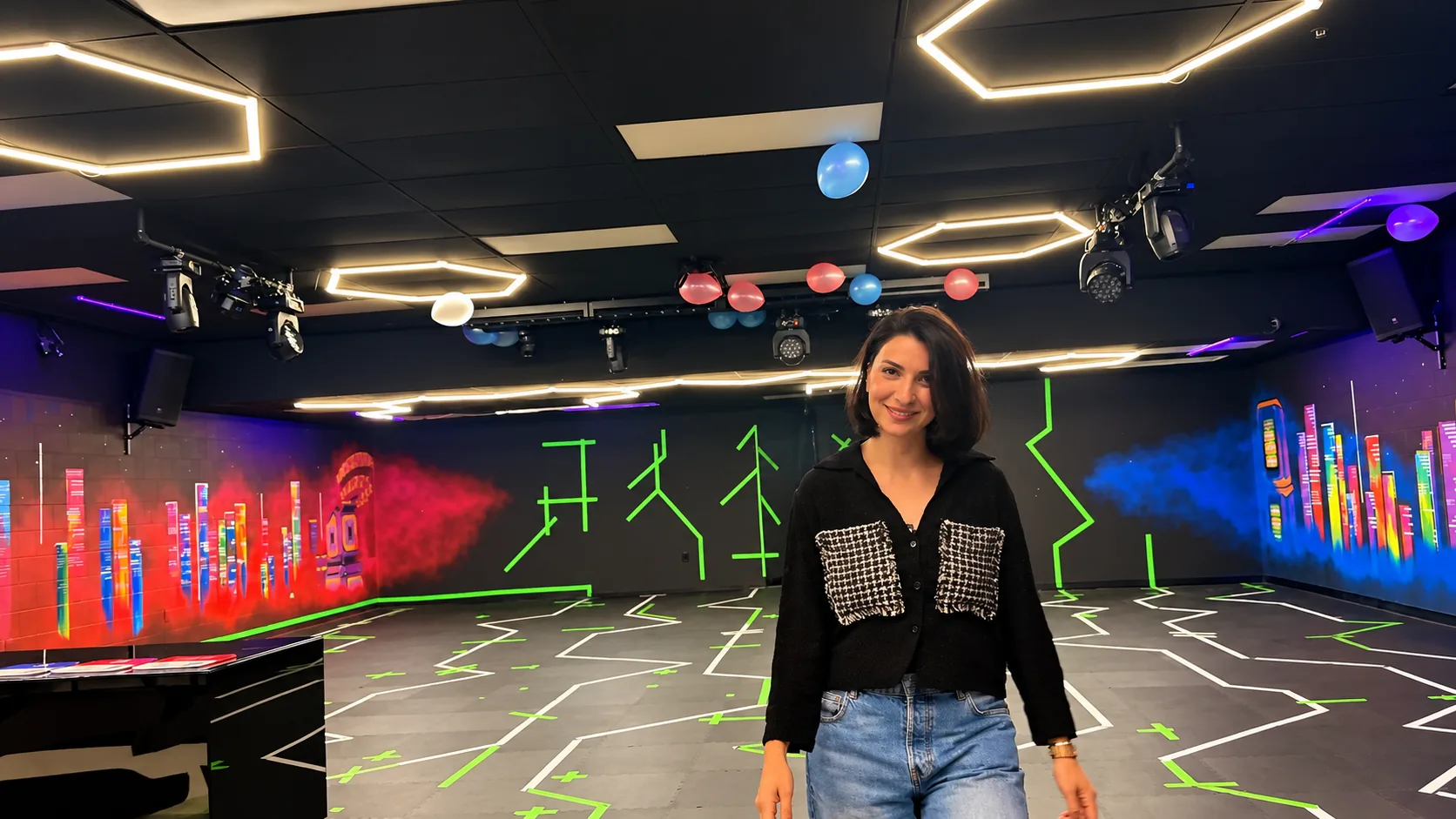
Team photo

Shoot your arena team together.

02   PHOTO BRIEF
Arena team standing together for a group photo
Arena team in a more formal group photo

How to shoot

  1. 1

    Photograph the real team. Keep every face fully in the frame.

  2. 2

    Dress in your corporate colors if you have any.

  3. 3

    Shoot horizontal (landscape).

01   TEAM

autoplay → 02 FORMAL

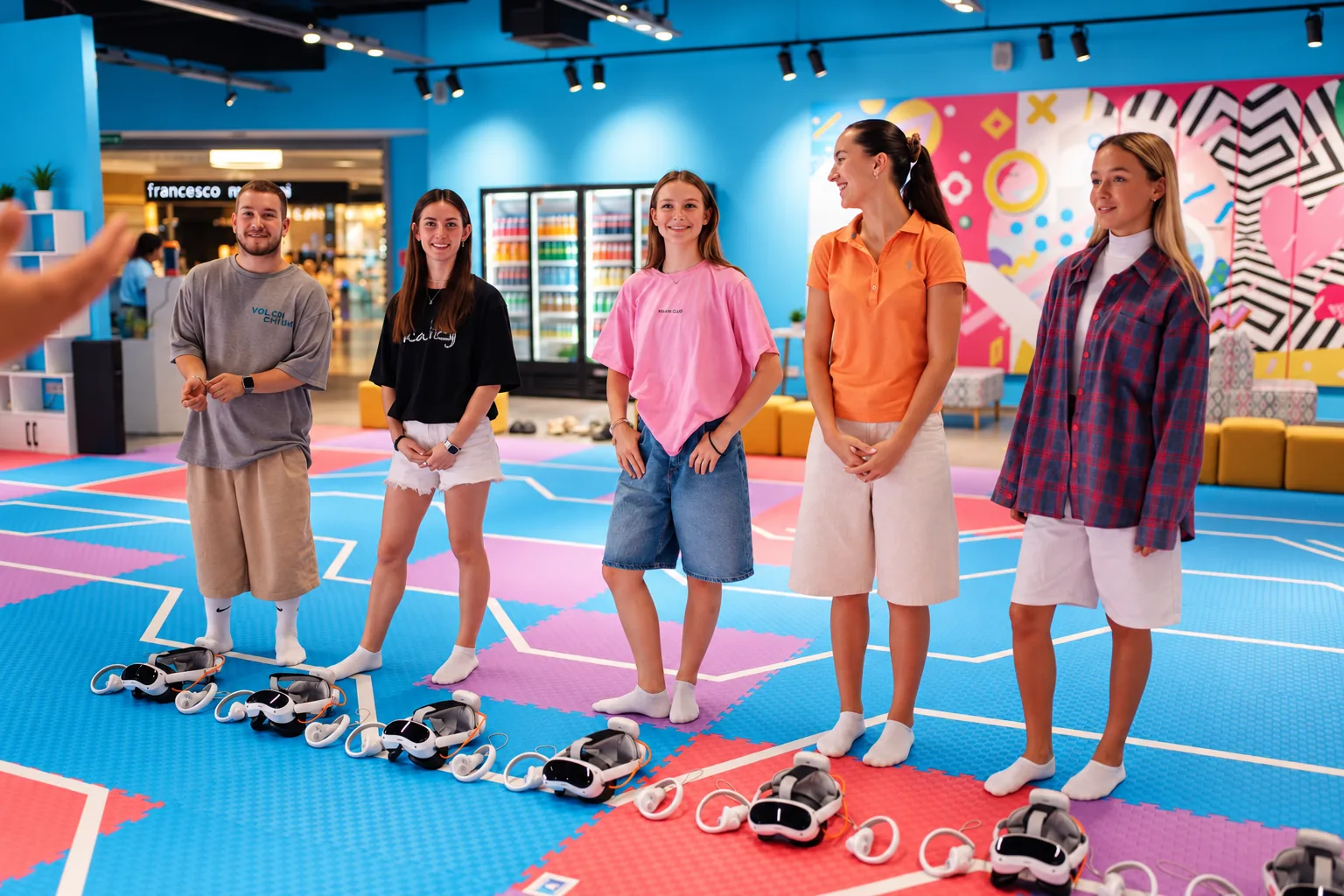
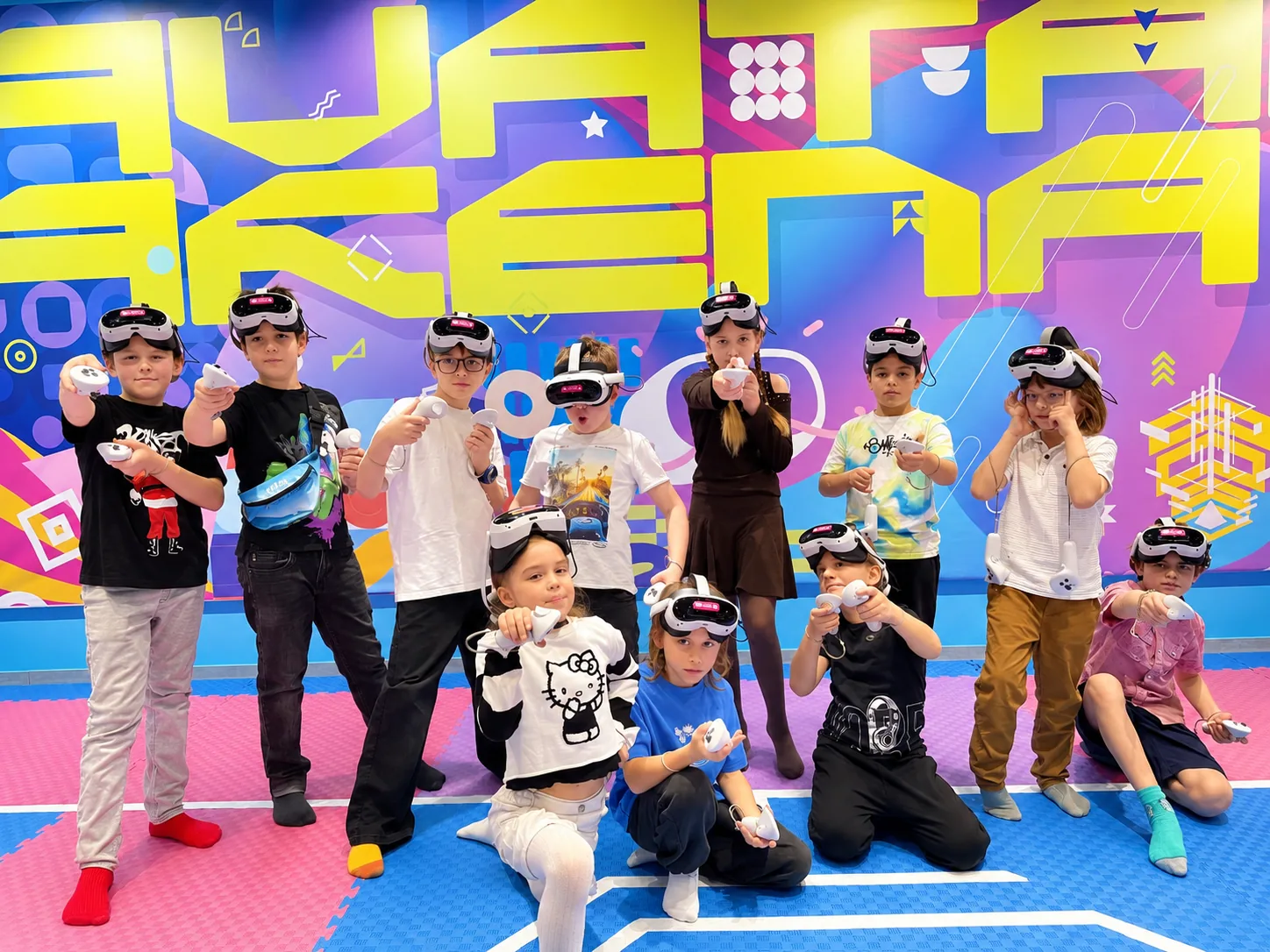
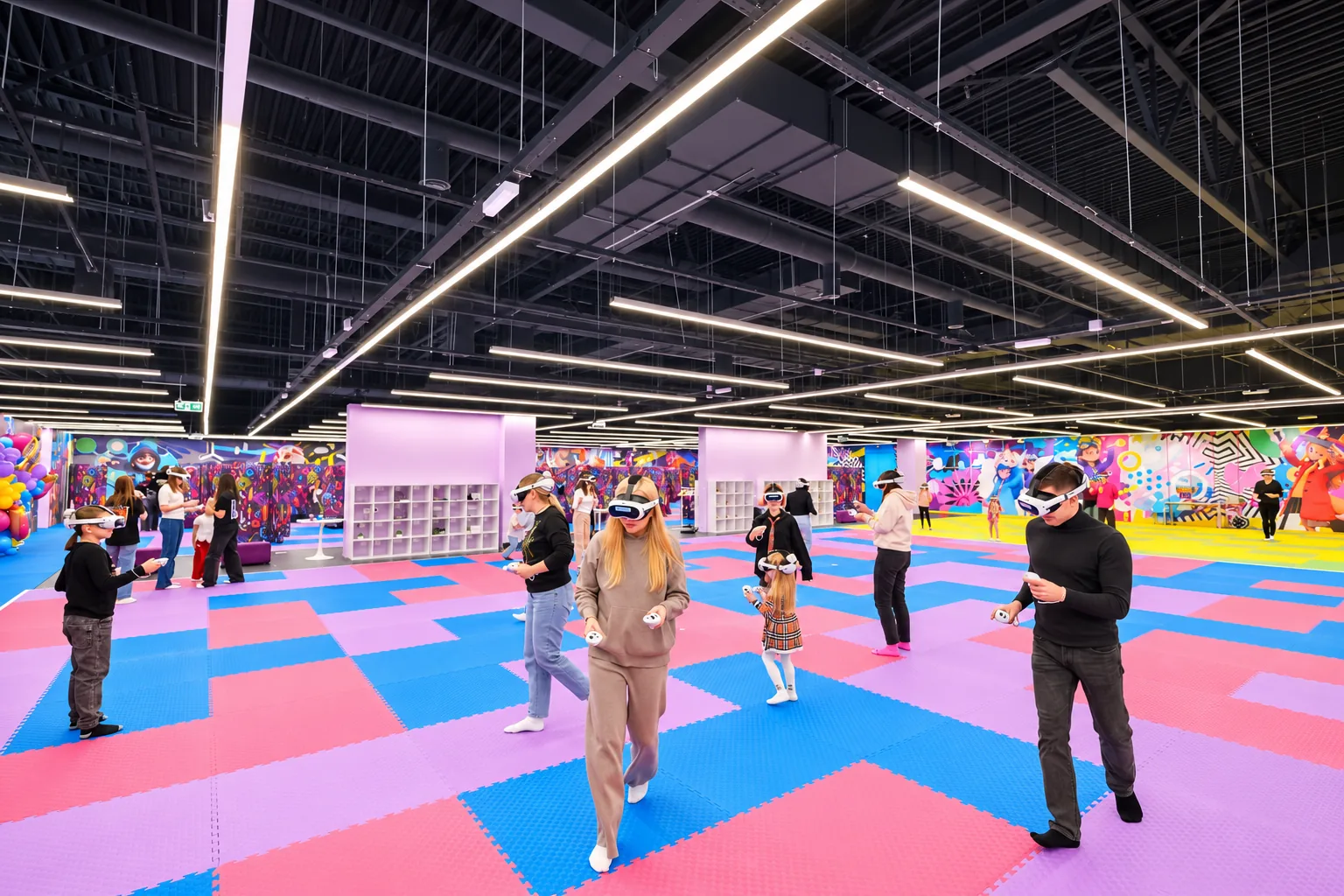
Arena photo

Shoot guests playing in the arena.

03   PHOTO BRIEF
Guests getting instructions in the arena
01   Instruction
Guests playing in the VR arena
02   Playing
Kids at the end of a VR game session
03   End of the game

How to shoot

  1. 1

    Shoot on the real arena floor.

  2. 2

    Capture guests in play: wearing headsets, holding controllers, or watching the game.

  3. 3

    Keep arena walls in the frame.

  1. 4

    Shoot horizontal (landscape 16:9). Show the space, not only faces.

  2. 5

    Real moments only. No empty arena — someone should be playing.

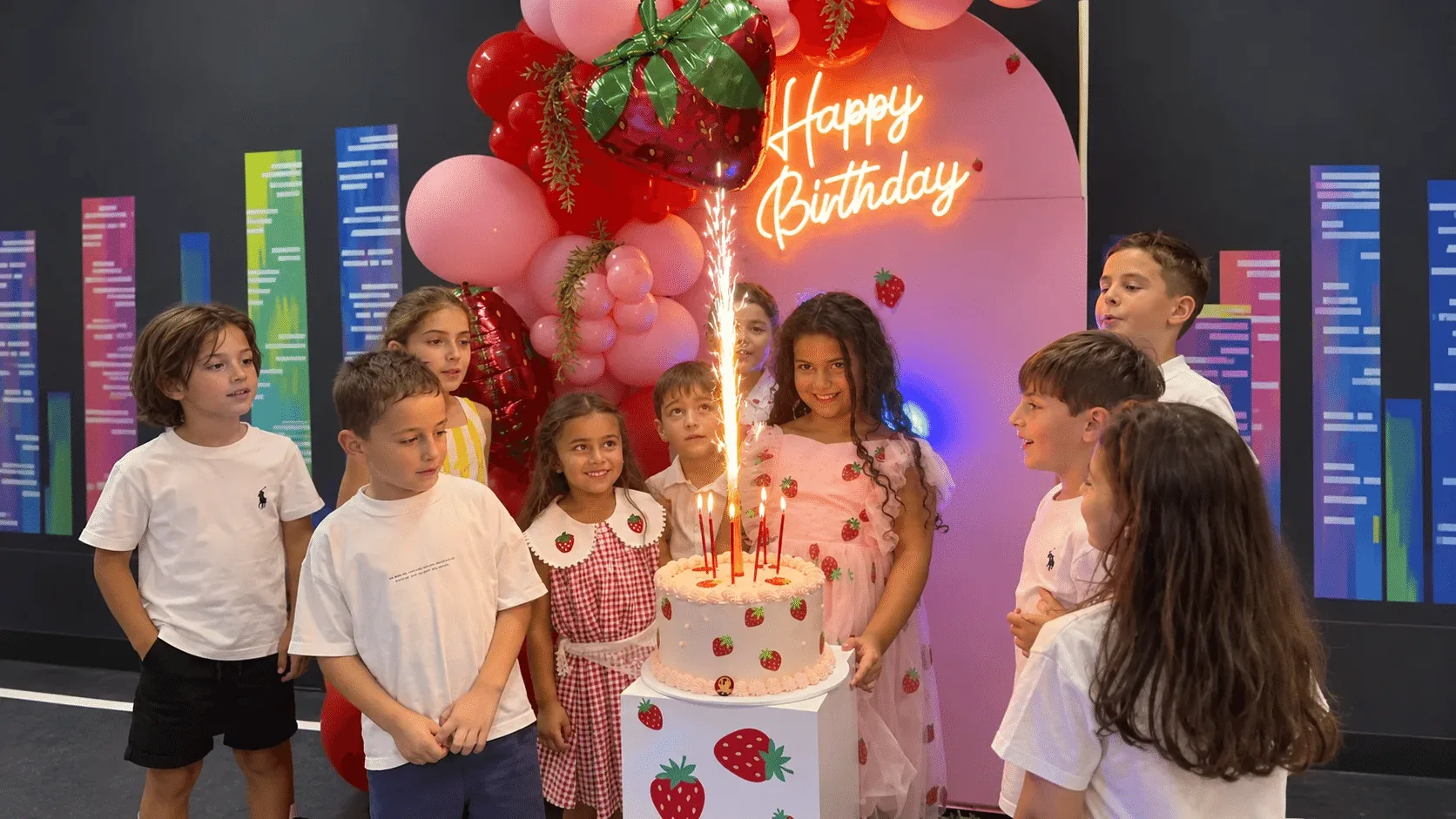
Party photo

Shoot birthday and celebration moments at the arena.

04   PHOTO BRIEF
Kids celebrating with a birthday cake at the arena
Kids party moment at the VR arena

How to shoot

  1. 1

    Shoot real celebration moments — cake, hugs, gifts, kids playing.

  2. 2

    Guests only. No empty tables or staged poses without people.

  3. 3

    Faces first. Capture joy, smiles, and clear eye contact when possible.

  4. 4

    Shoot horizontal (landscape 16:9). Leave space around the group — do not crop heads.

01   CELEBRATION WITH A CAKE

autoplay → 02 KIDS PARTY

Video review

Film a vertical video (9:16) in front of the arena and follow the script below.

05   VIDEO BRIEF

What to say

  1. 1

    Who you are: “I’m [Your name], owner of the club / arena … in [city].”

  2. 2

    What format your venue has.

  3. 3

    Why you chose Battle Start.

  4. 4

    What helped you most at the start with Battle Start.

  5. 5

    What’s now: what you like, and what guests say.

  6. 6

    Closing: your opinion about partnership with Battle Start.

Example video review in front of the arena
Final step

Lock in your free months

Send your photos and videos, answer a short form, leave a review —
and claim your 1 or 2 months of subscription as a gift.

01

Send photos
on WhatsApp

Send your arena photos (and video, if needed) to our WhatsApp.

02

Answer the
Google Form

Tell us about your arena and your partnership with Battle Start.

After all steps — unlock your free subscription

For details, contact us on WhatsApp.

WhatsApp +371 2212 4002